

For the pages your AI generates
You and Claude,
on the same page.
You generate a polished page with AI, then want a typo fixed or a row recolored — without opening a code editor or re-prompting. tidepage lets you and Claude shape it together: click any element to edit it in place, bounded by the page's own brand, then review the diff and save clean HTML.
Works on your own files · Desktop app or hosted workspace · Free to start
The loop
You and Claude, taking turns on one page.
How it works
Open. Shape it. Hand off, and back.
-
 01
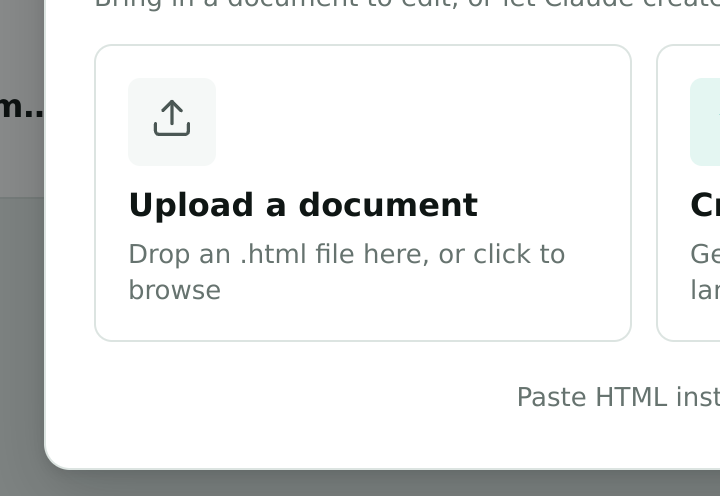
01Open your page
Drop in any standalone HTML page — reports, decks, AI exports.
-
 02
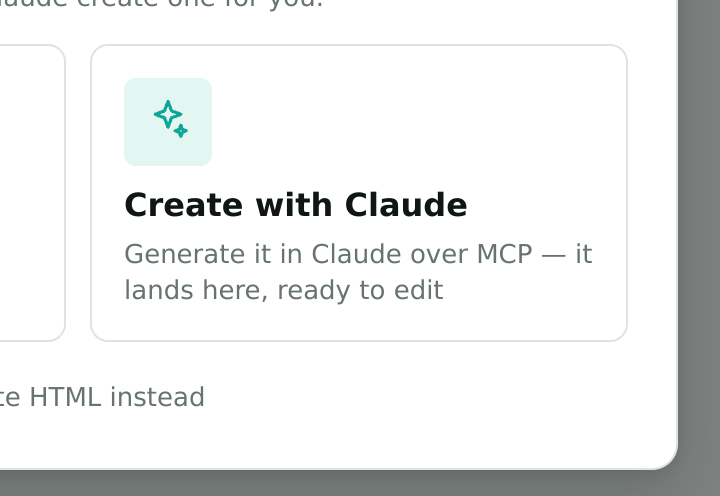
02Create your page
Or have Claude generate a new one over MCP, right from your chat.
-
 03
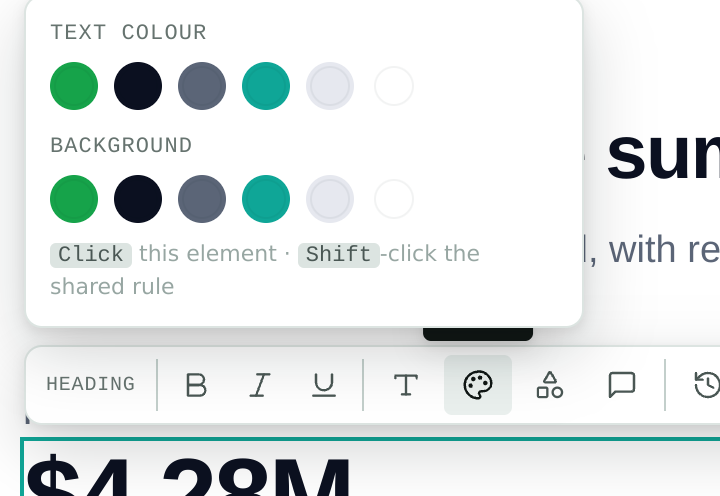
03Click & edit
Click any element; change text, color and style — within the brand.
-
 04
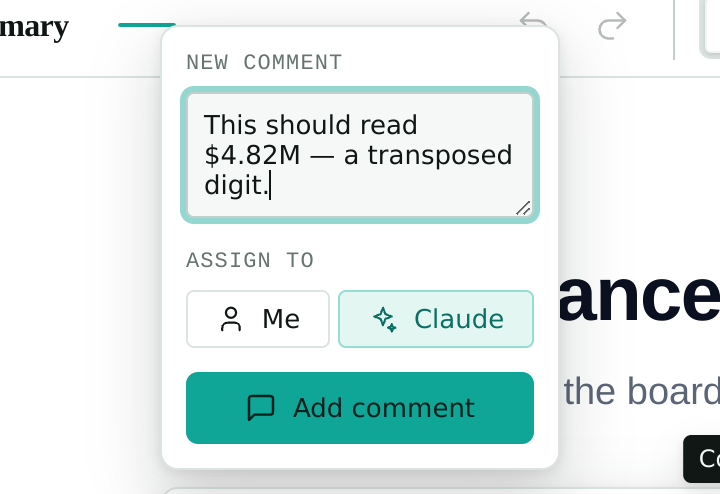
04Hand off to Claude
Leave a change request and assign it; Claude applies it over MCP.
-
 05
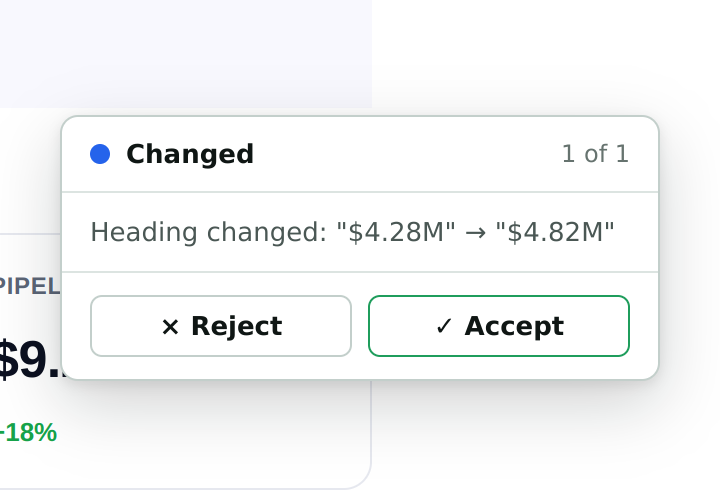
05Review
The page comes back flagged — accept or reject the diff.
-
 06
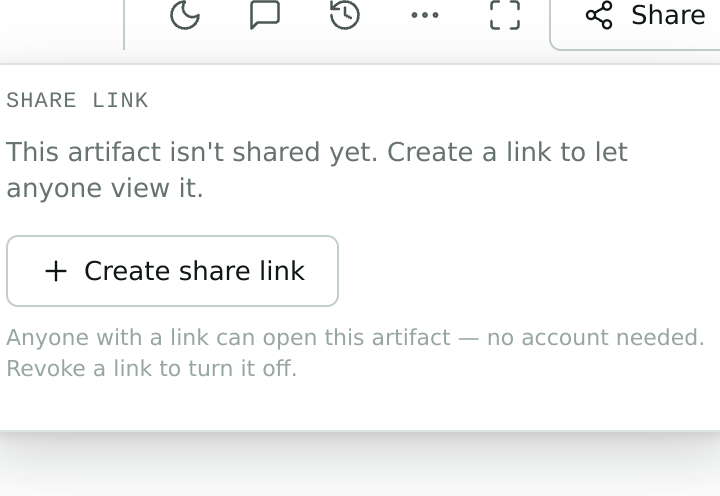
06Share
Export clean HTML or share a hosted link.
The gap between what AI drafts and what you can actually ship — that’s the whole reason tidepage exists.
Why we built tidepage
Review with Claude
Leave a note. Claude edits. You review the diff.
Hand a change to Claude over MCP — on your own subscription, no API key. It edits the page and hands it back, flagged for review with a clear before/after diff. The edit only lands when you say so.
Features
Editing that respects the page.
Every tool is bounded by what the page already defines — so changes stay on-brand, reversible, and clean.
-
Can't break the brand
Colors, fonts and styles come from the page's own CSS — no free color wheel, no arbitrary fonts. Off-brand results aren't possible.
-
Text-first editing
Click any text and type. The most common edit is the easiest one — no code editor, no round-trips to an AI.
-
Review with Claude
Leave a change request and assign it to Claude. It applies edits over MCP, through the same safe, constrained path.
-
Works with your AI exports
Opens Claude Design standalone and folder exports — decks and slides included — as clean, editable pages.
-
Desktop or hosted
Run it locally on your files, or use the hosted workspace with a dashboard, shareable links and team accounts.
-
Clean round-trip
Open, edit and save endlessly — the file stays valid and byte-stable, with comments embedded in the HTML.
Next on the roadmap: an in-app agent — “Ask tidepage” — that makes the edits for you from a plain-language request.
Questions
The short version.
Is it usable today?
Yes. tidepage is an early but working product: open a file, click to edit text, restyle within the brand, leave change requests, review with Claude, and save clean HTML. Create an account to start in the browser.
Desktop app or web?
Both. A local-first desktop app edits files on your disk; the hosted web app adds a dashboard, shareable links and team accounts. They share the same editing core, so a page behaves identically in either.
How does "review with Claude" work?
Attach a change request to any element and assign it to Claude. Over MCP — running on your own Claude subscription, no API key — Claude reads the request and applies the edit through tidepage's safe, constrained path, then marks it resolved.
Can I break the brand styling?
No. The colors, fonts and styles you can apply are drawn from what the page already defines. There's no free color wheel and no arbitrary font list, so an off-brand result isn't possible.
What about my files and privacy?
On desktop, tidepage is local-first — it edits files on your disk with no upload. The hosted workspace stores your pages so you can reach and share them from anywhere; you choose which mode fits.
Can I shape what gets built?
That's the point of this phase. We're sharing it to learn — tell us what works and what's missing, and it feeds directly into the roadmap.
From the blog
Field notes on AI pages.
Try it
Where editing finds its flow.
It's free to start. Create an account and make your first edit in under a minute — then tell us what you think.